Turning Chaos into Clarity by Redesigning the Renewal Benefit Experience
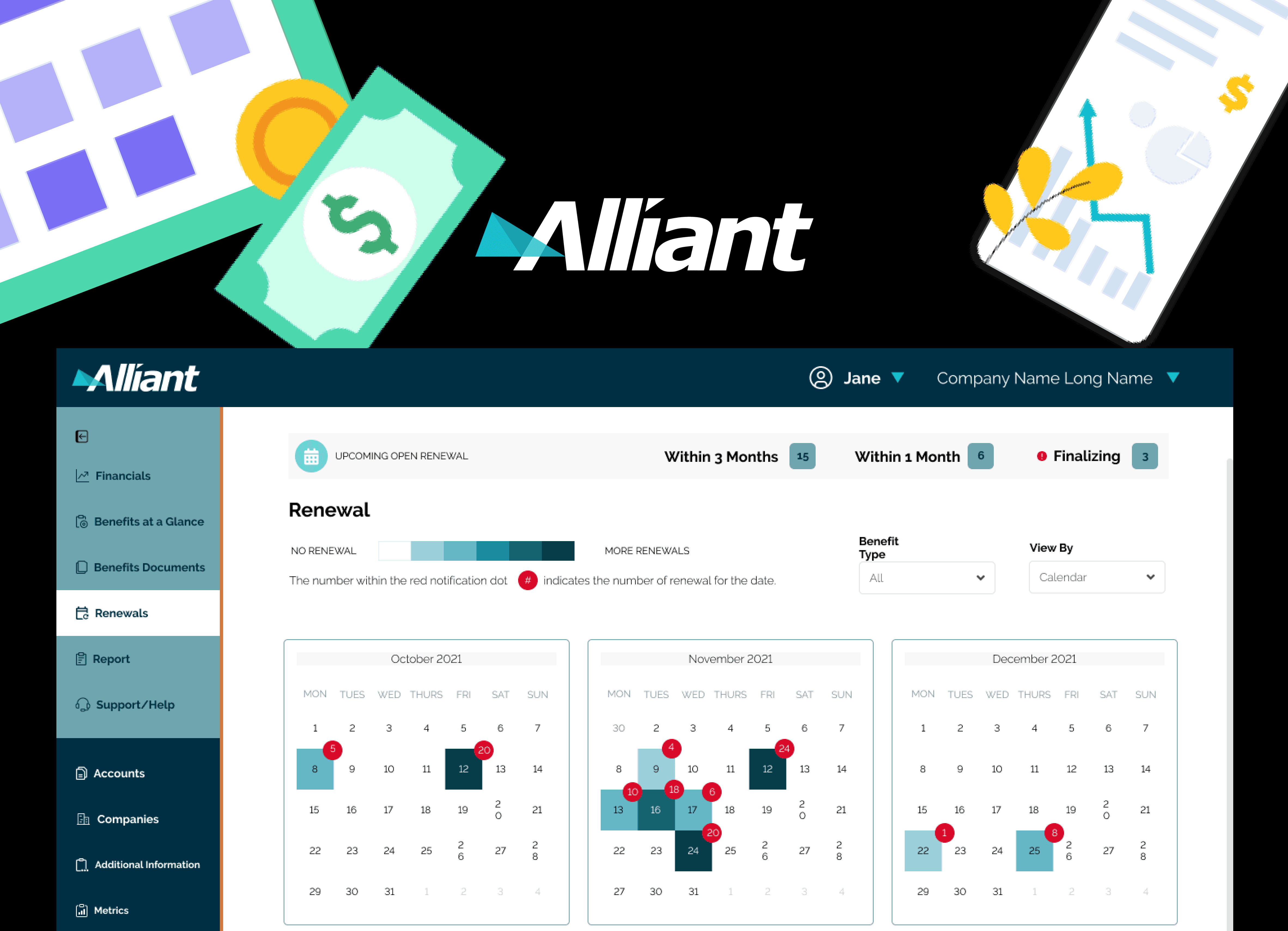
How might we help admin users quickly act on time-sensitive renewal tasks while simplifying platform navigation to reduce cognitive load?
Product Manager, Development Team , QA Team, and Client Stakeholders
final mockup, prototype
When Alliant came to Spiria with a predetermined design solution that I was expected to “make it pretty”, I knew I had to do my best to convince them of the importance of understanding the problem first. And this was the start of a string of workshops, information audit and research that improved the renewal process from multiple clicks to a consolidated view.
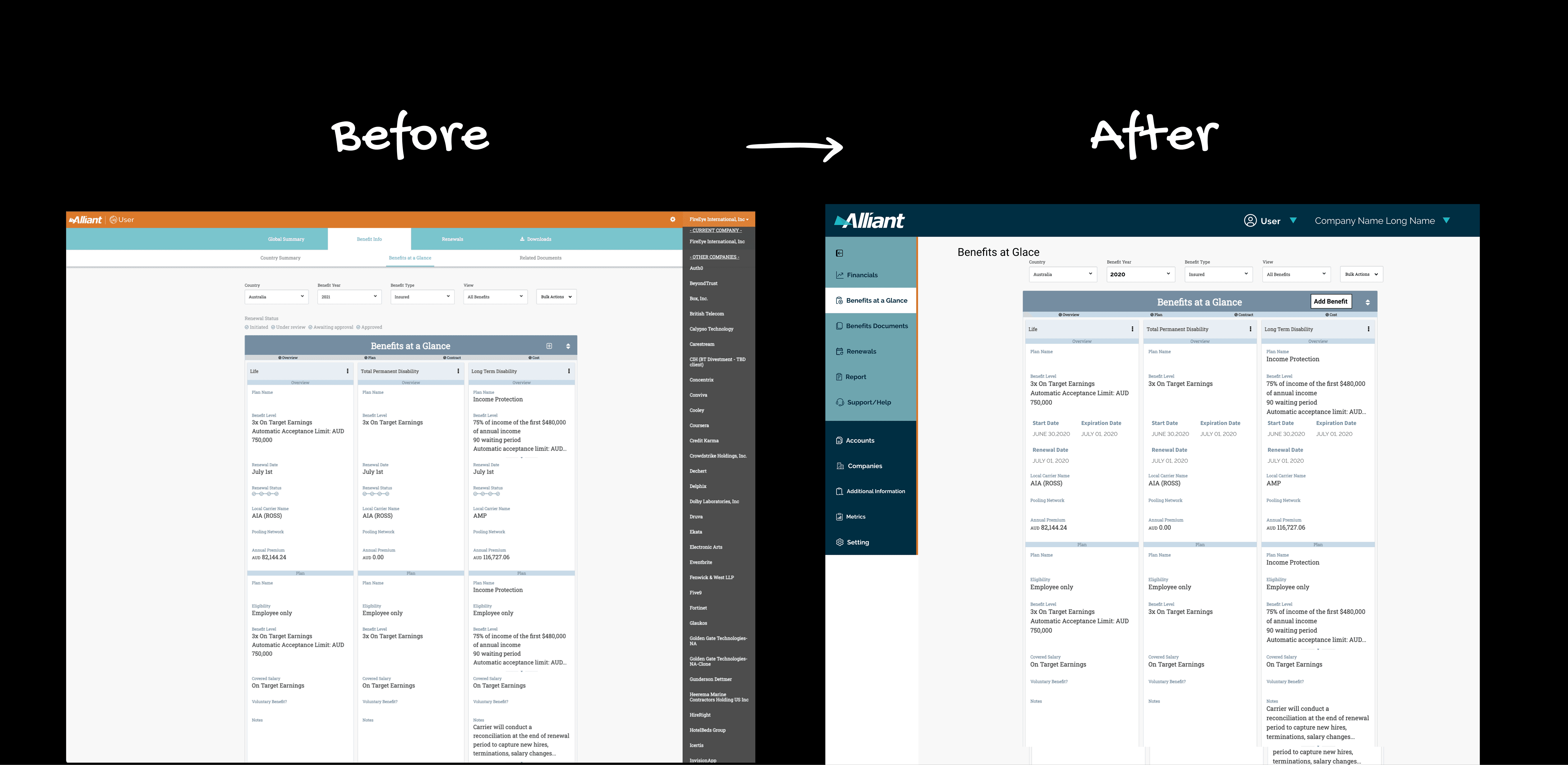
Enhanced the navigation and reduced the process for renewal from more than 4 clicks to 2.
A better information hierarchy that eliminates uncertainty and confusion with navigation.
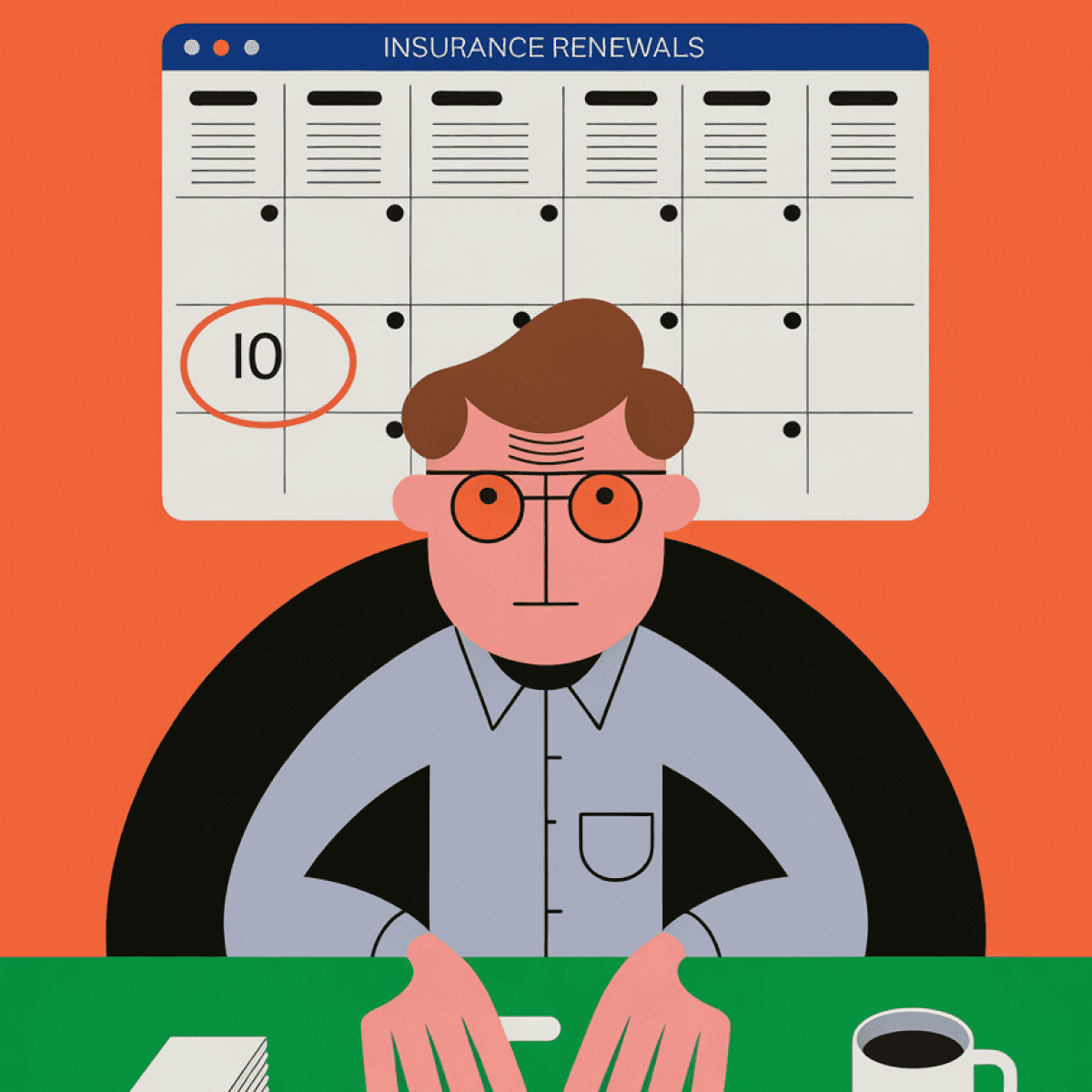
Who is it for?
The Benefit Administrator Admin users manage benefit renewals for multiple clients while juggling deadlines, documentation, and details. They need to:
Quickly identify which renewals require immediate attention
Access benefit information efficiently to complete renewal tasks
Their Pain Points:
No clear visual hierarchy to prioritize urgent tasks
Too many clicks to reach essential information
Getting lost in navigation due to a cluttered, illogical structure
Important renewal deadlines are buried in dense interfaces
The existing benefit platform had two critical failures:
Hidden Priorities: Renewal tasks with urgent deadlines weren't surfaced in a logical, date-based view. Admins had to hunt through multiple pages to understand what needed attention.
Navigation Chaos: Lesser-used features cluttered the interface with equal weight to critical functions. Users couldn't see key features at a glance and had to take too many clicks to complete routine tasks.
Every extra click or moment of confusion meant delayed renewals, frustrated admins, and potential compliance issues for clients managing employee benefits.
Despite a directive to only "make it pretty," I advocated for a mini discovery. This process revealed systemic flaws beyond the initial ask and secured critical stakeholder buy-in for a more substantive solution.


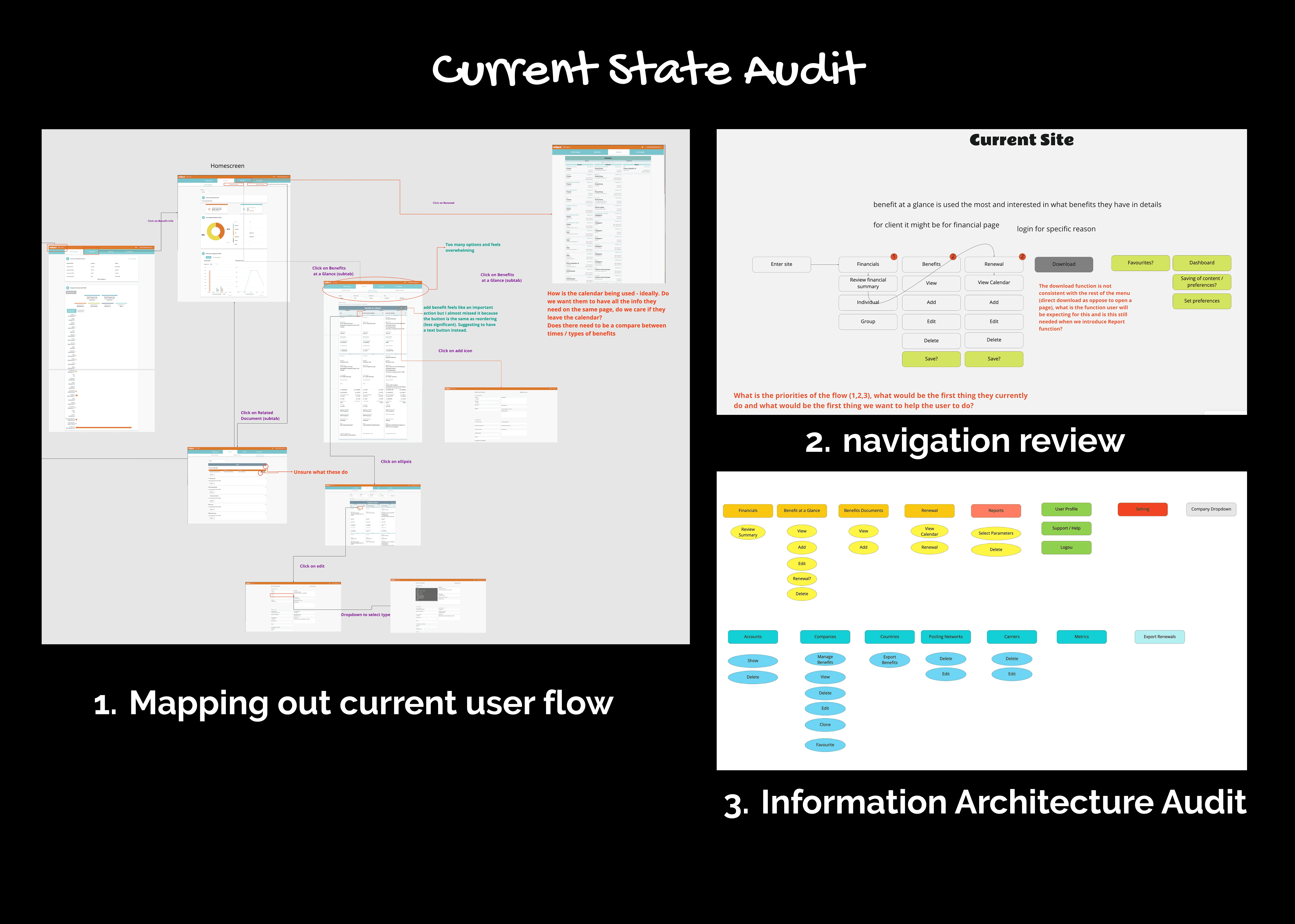
Initial Design
During the initial problem-solving stage, the goal is not only to add the desired calendar feature but also to ensure it's updated to be more user-friendly.
Soluton 2: By adding a calendar view and highlighting important pending tasks, the admin user will be able to easily navigate renewals based on their due dates as they are displayed more logically.
Solution 2 : By consolidating lesser-used features and establishing a clear hierarchy, users could see all key features immediately and complete tasks more efficiently.
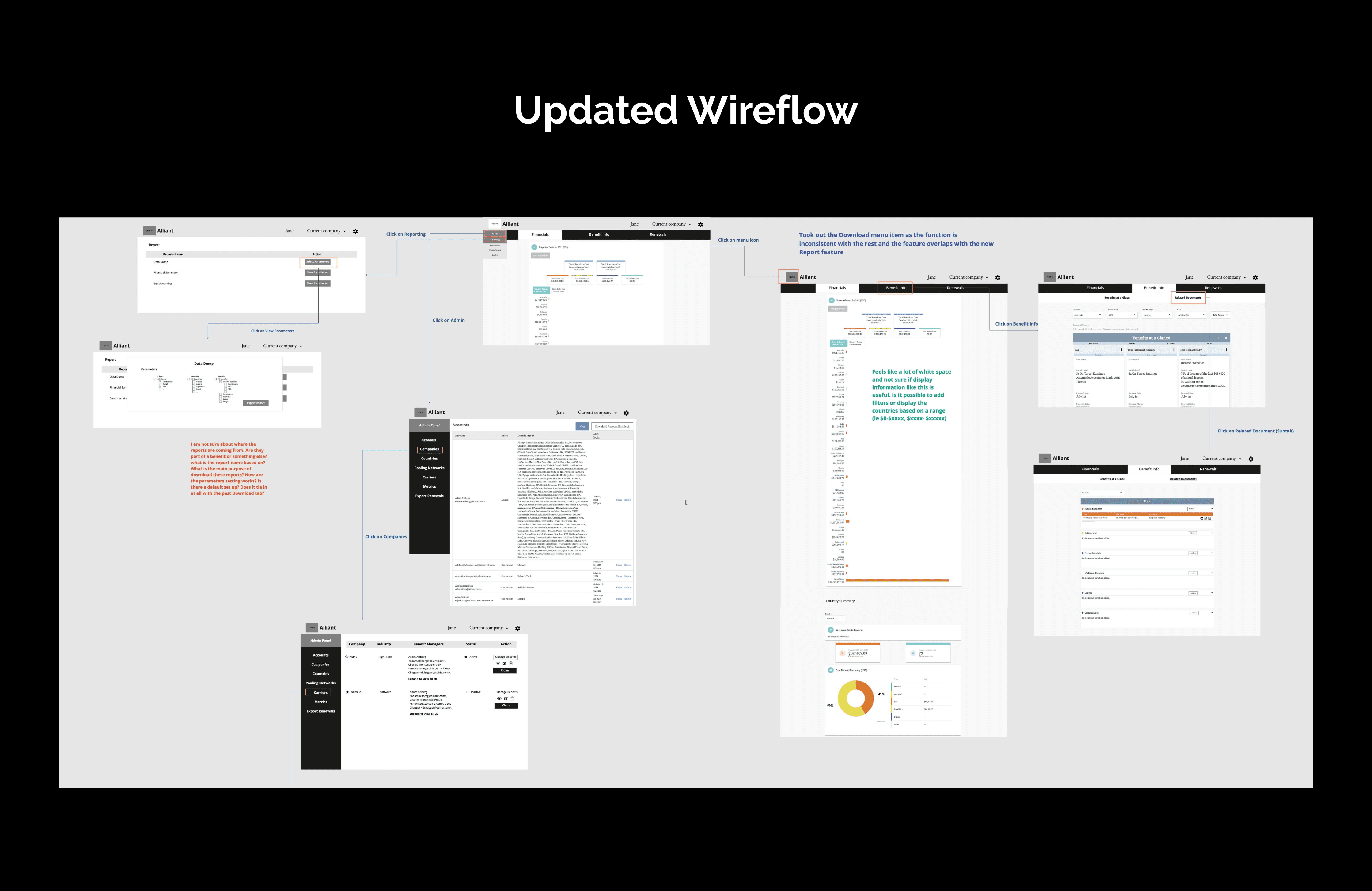
Breakthrough
I thought I had hit all the marks with my design, but upon some testing with the admin user, the feedback wasn’t positive
“This is overwhelming, I am not sure I am getting any information, and it's confusing.”
We were focusing too much on ideating a multifunctional calendar design (one that acts like a heat map, with dates that have a must-renewal date appearing darker than the rest) without considering the potential information overload it could cause.
So I went back to the drawing board to revisit the fundamentals:
What information truly mattered to users at each step?
This insight forced us to:
Ruthlessly prioritize information hierarchy
Remove rather than add
Design for scanning, not reading
Surface context only when needed
This helped me develop the final design, which received far better feedback from our users.
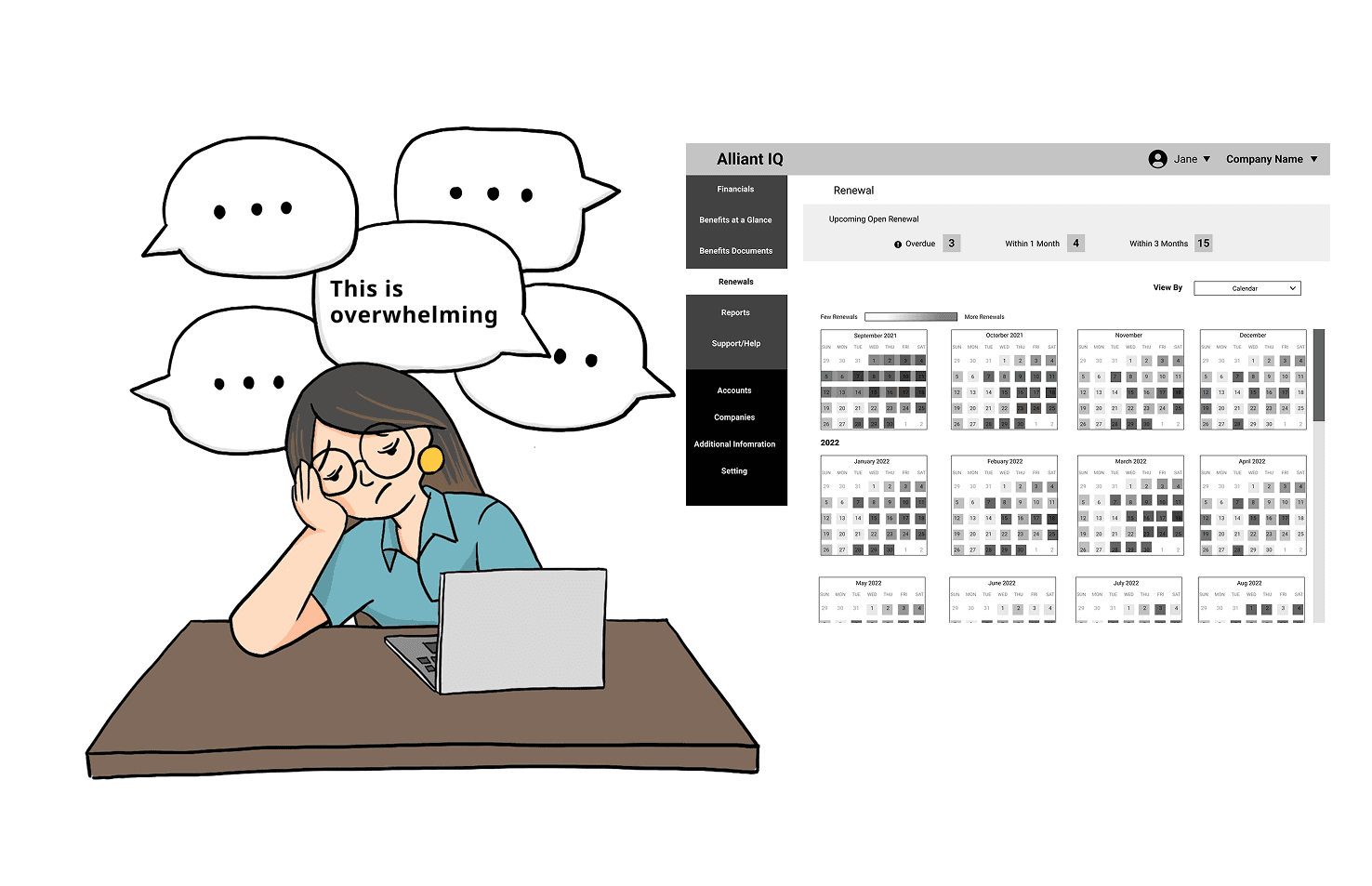
As designs are getting finalized, I worked with the dev team to create detailed hand-off documentation to annotate my design and explain the expected interaction
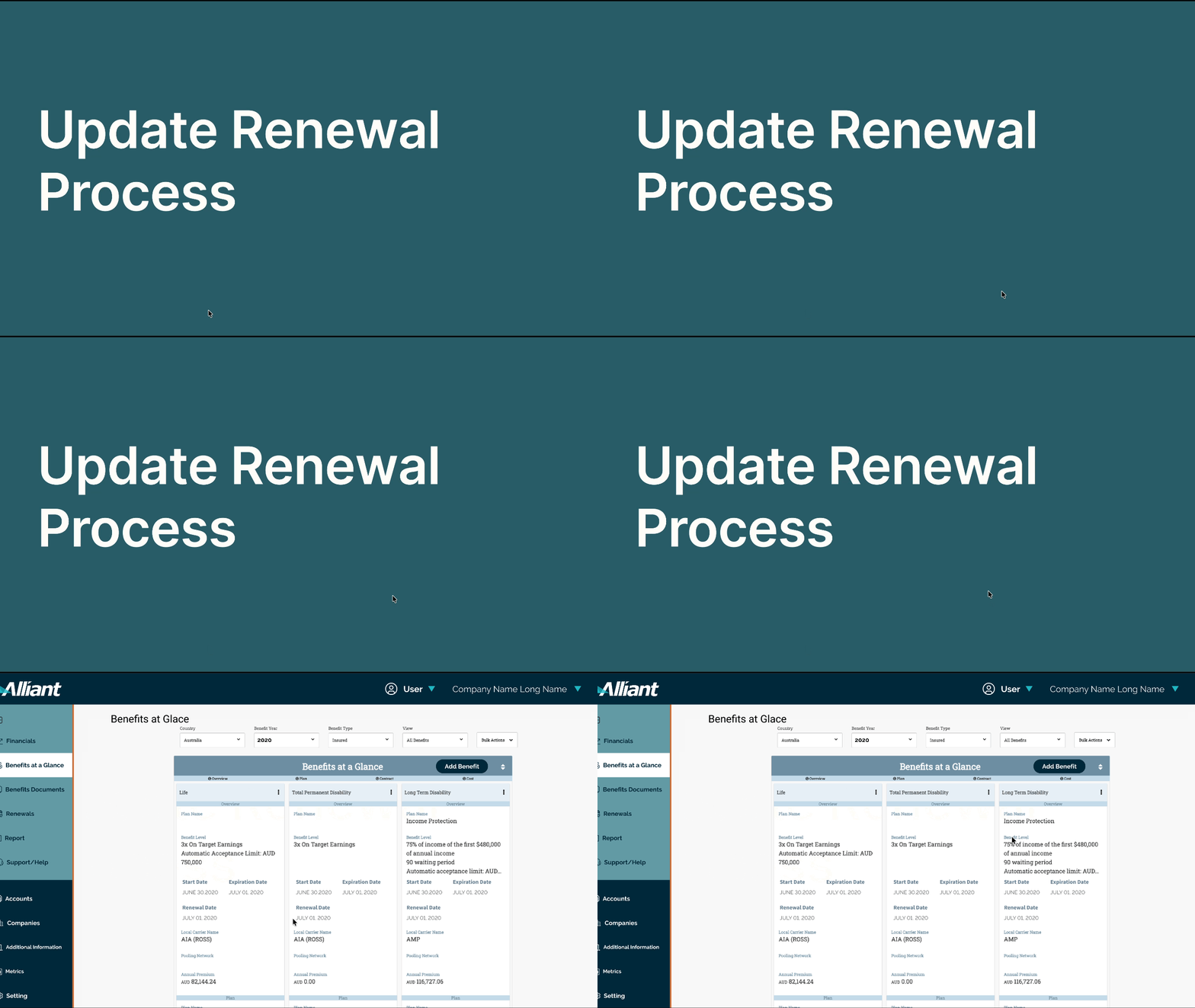
The Alliant platform was successfully released 3 months later with these major improvements:
Calendar-Based Renewal View: A visual calendar prominently displays renewal deadlines with pending tasks highlighted. Admin users can now see at a glance what needs attention and when, organized in a date-based logic that mirrors their natural workflow.
Improved Renewal process: ability to highlight upcoming renewal to enable administrator to auto-renew it with a 2-click process
Streamlined Navigation: A clear hierarchy separates critical daily functions from occasional-use features. Users can now see all key platform capabilities from the get-go and reach their destination in fewer clicks.
Project Impact
Overall Impact
Admin users can now navigate renewals logically by due date
Reduced clicks required to complete routine tasks
Clearer visual hierarchy eliminates the "lost in navigation" problem
Client expressed satisfaction with both the collaboration process and the outcome

Bonus Impact
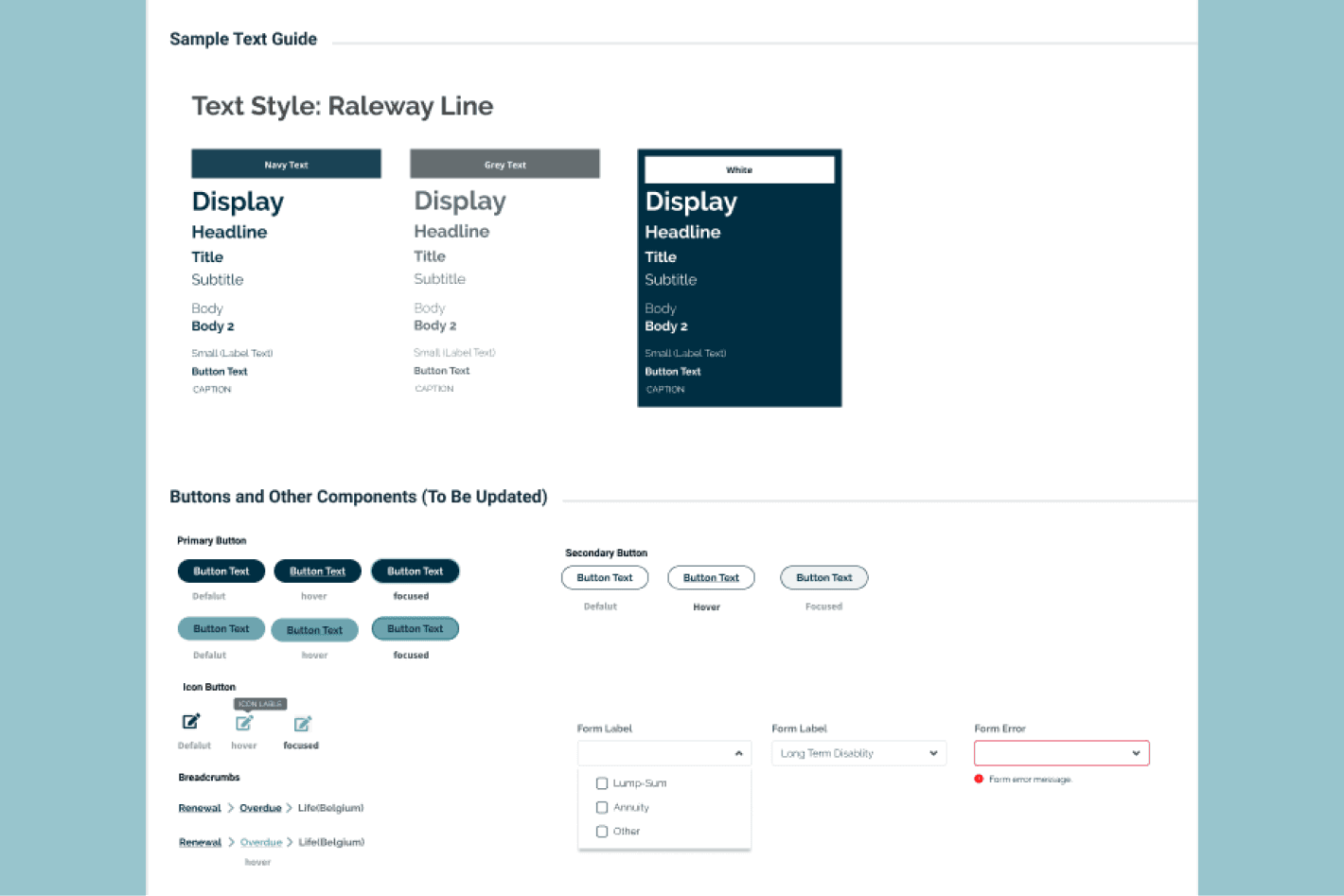
Created a comprehensive style guide aligned with Alliant's updated branding, providing consistency for future development and reducing design debt.
Next Step
Following up on the consistency concerns, some pages are in different stages of polish because of the iterative development approach. I'll be checking in post-development to ensure the style guide was followed throughout implementation.
Last Takeaway
This project reinforced that good UX design isn't about having perfect conditions—it's about fighting for the process users deserve, even when constraints push back. The best solutions come from understanding problems deeply, not executing solutions quickly.
What I Learned:
1. Always Ask Why.
This sounds basic, but it's easy to forget under pressure. When the budget is tight, the timelines are short, and imposter syndrome creeps in, it's tempting to just "do as you're told." But that's when asking "why" matters most. It's the difference between implementing solutions and solving problems.
2. Advocate for Process
When I was handed mockups instead of getting discovery time, I could have just executed. Instead, I pushed back (respectfully) and carved out a mini-discovery phase. That investment paid off exponentially in design confidence and stakeholder alignment.
3. Failure Is Feedback
That harsh user testing feedback stung—but it was a gift. It caught a major misstep before launch and forced us to create something better. Embrace those moments.
4. Beware the Checklist Mindset
As projects progress, it's easy to shift from designer to order-taker. I noticed myself becoming complacent with just implementing the requested changes without questioning them. Setting up systems to catch this (like regular design team feedback sessions) is essential.